Gaming chair break: Watch HaloShort without starting another game
The game is over, but the TV is still on the console home screen. To stay in your gaming chair and watch a short drama, switch to the TV's app menu or the input for a compatible Android box. HaloShort runs on compatible TV devices; a console connection alone doesn't make it a TV app.
The screen stays the same, but where the content comes from can change
If the TV itself runs a compatible Android TV or Google TV system, you can go back to the TV's app interface and look for HaloShort. If you use an external Android TV box, switch to the input source the box is connected to. The controller, the console remote, and the TV remote may each have their own range of control, so refer to your device settings for specifics.
When an ordinary monitor is only displaying a picture, you still need a compatible device that can run apps. Whether the chair sits in front of a TV or a desktop monitor will correspond to different connection methods. Figuring out which device handles playback is usually faster than flipping back and forth between several home screens.
Once the chair is adjusted, check whether the picture is being cropped
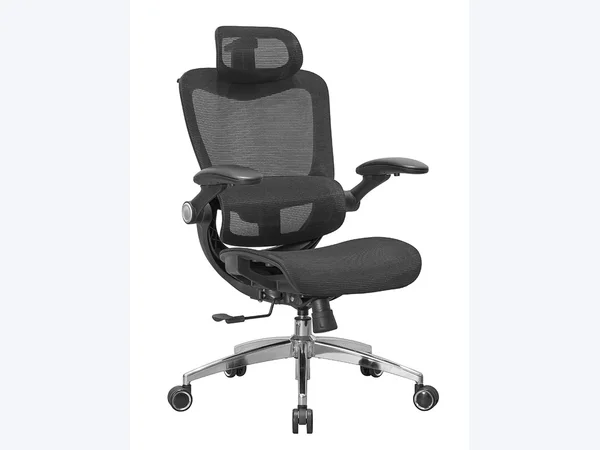
The height and direction of a gaming chair used at a desk may not suit a TV on the other side of the room. Adjust it to a position that's comfortable for you to watch, following the chair's instructions, and make sure the subtitles at the bottom of the screen aren't blocked by the desk. If the gaming chair has a footrest or reclining function, leave enough space for it to move.
HaloShort's vertical content may leave side margins on a TV. You can start from the original aspect ratio; there's no need to carry over display habits set earlier for gaming. Cropping or stretching inside the app will change how the picture appears, so after switching, check whether the subtitles and the people are fully visible.
Short dramas as an entry point beyond gaming
HaloShort is currently free to watch, and the download entry can be found via the Emotn store. Once you've picked something that interests you, you can watch by episode; if you only plan to watch a bit, turn off autoplay. Next time you want to get back to gaming, switch back to the corresponding input source—just keep the two entries clear.